
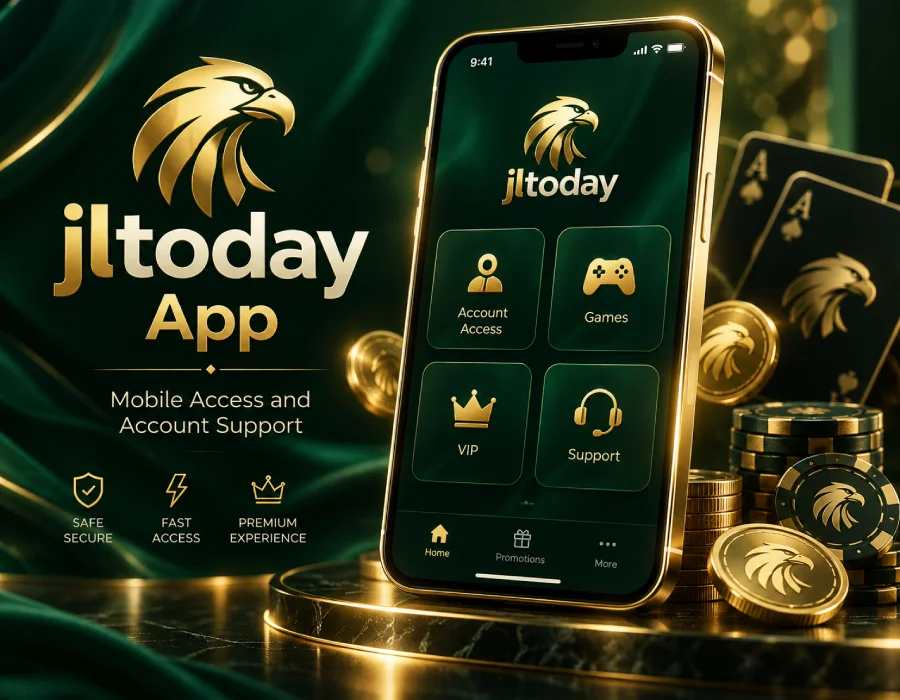
Mobile App Access With a Clear Account Flow
The jltoday App page is for users who want to understand the mobile experience after access is available. Mobile users often need a different flow from desktop users: larger buttons, shorter action paths, readable cards and quick support access.
App access is useful for users who return from the same phone often. The account flow should be easy to follow: open the app access path, continue to Login, review Games, check VIP information and contact Support if a question appears. This page connects those steps in one place.
Device security matters. Users should keep their phone updated, avoid public Wi-Fi when entering account information and protect their screen lock. If a user changes phone, clears browser data or loses access to contact information, Support may be needed before the account works normally again.
The App page is different from the Download page. Download is for getting access. App is for understanding how to use mobile access after it is ready. Separating both pages makes the site more useful and prevents one page from becoming too crowded.
The bottom action bar helps mobile visitors move quickly. It keeps Download, Login and Register close even after the user scrolls deep into the page. Floating contact icons also stay available so help can be reached without returning to the top.
When using jltoday on a phone, users should keep the correct access path easy to find. Random links from unrelated sources can cause confusion. The homepage provides three access lines so users can return to a known route when one path is slow or unavailable.
Mobile access may behave differently depending on device type, browser, network and security settings. If a page does not load, users should check the connection first. If the same issue continues, Support should be contacted with the device model, browser and approximate time.
The App page also helps users understand how account pages connect. Login is for returning users. Register is for new users. Download is for mobile access setup. Games is for game access. VIP is for member benefit information. Support is for questions and account help.
Users should avoid saving sensitive account details on shared devices. Even on a personal phone, password privacy and screen security matter. A secure device helps reduce account issues and protects private information.
For users who spend most of their time on mobile, the App page can be treated as a guide to the main mobile path. It explains where to go first, what to check if something fails and how to reach support without leaving the page structure.
App Access Reminders
- Keep your phone secure before entering account details.
- Use Login if you already have account access.
- Use Download if mobile access is not ready yet.
- Contact Support if device changes affect your account entry.
- Try another access line from the homepage if the route is slow.
- Avoid random links from unrelated messages or public groups.
When Mobile Access Needs Help
Open Support if the app path does not load, if login works on desktop but not on mobile, if device settings block access, or if the page behaves differently after a browser update. A clear support message should include device type, browser name and what happened after opening the app route.